Click to choose or drag and drop an image here
Quick Method — Rotate and Flip Image
How to rotate or flip an image: choose a photo, click Rotate left, Rotate right, Flip horizontal or Flip vertical, and download the result.
Why Use This Tool?
One-Click Turns
Rotate left or right with a single click.
Mirror Either Way
Flip a photo horizontally or vertically.
Preview and Reset
See every change right away, and reset to the original at any time.
No Login Required
Use it without creating an account or wasting time.
How to Use Rotate and Flip Image Tool
- 1
Click the upload area and choose a photo, or drag one in.
- 2
Click Rotate left or Rotate right to turn the photo 90 degrees at a time.
- 3
Click Flip horizontal or Flip vertical to mirror it.
- 4
Check the preview and the Output size line.
- 5
Choose JPG, PNG or WebP, then click Download image.
Step-by-Step Pictorial Guide — Easy to Use
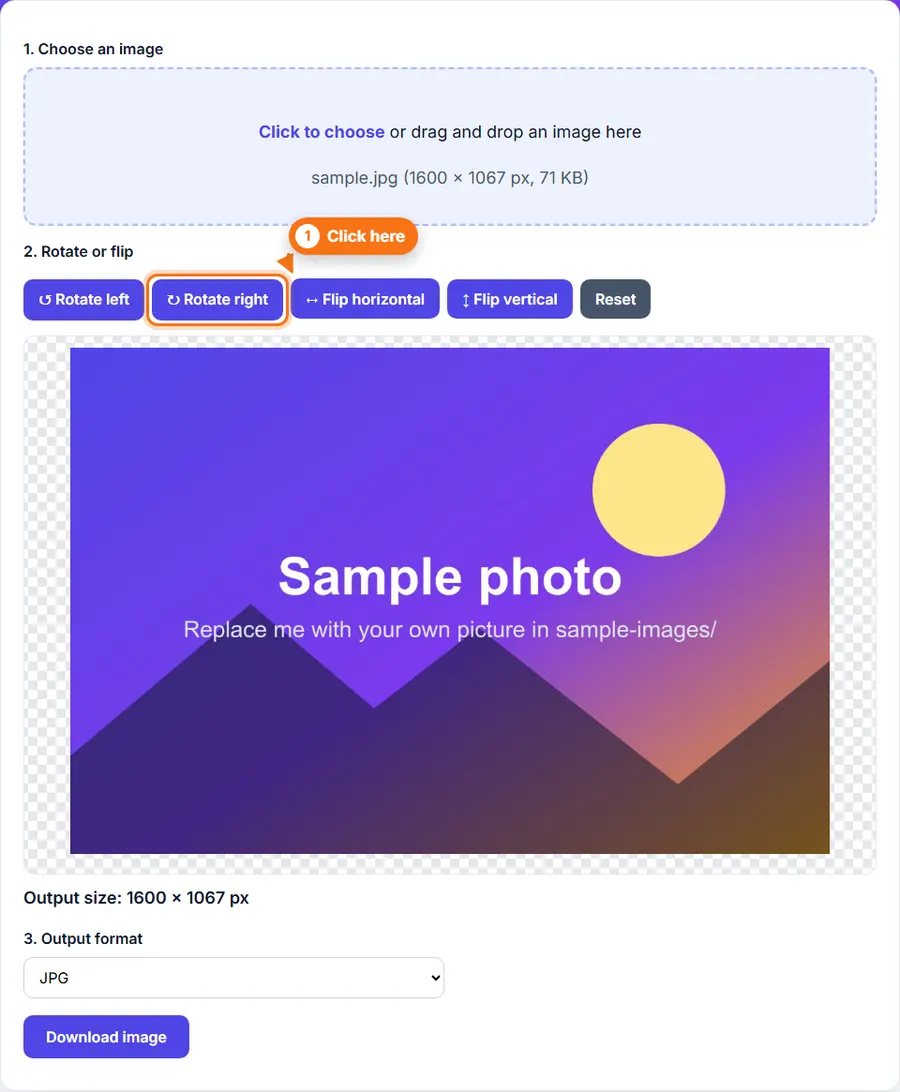
Step 1 A photo loaded in the Rotate and Flip tool with the rotate and flip buttons 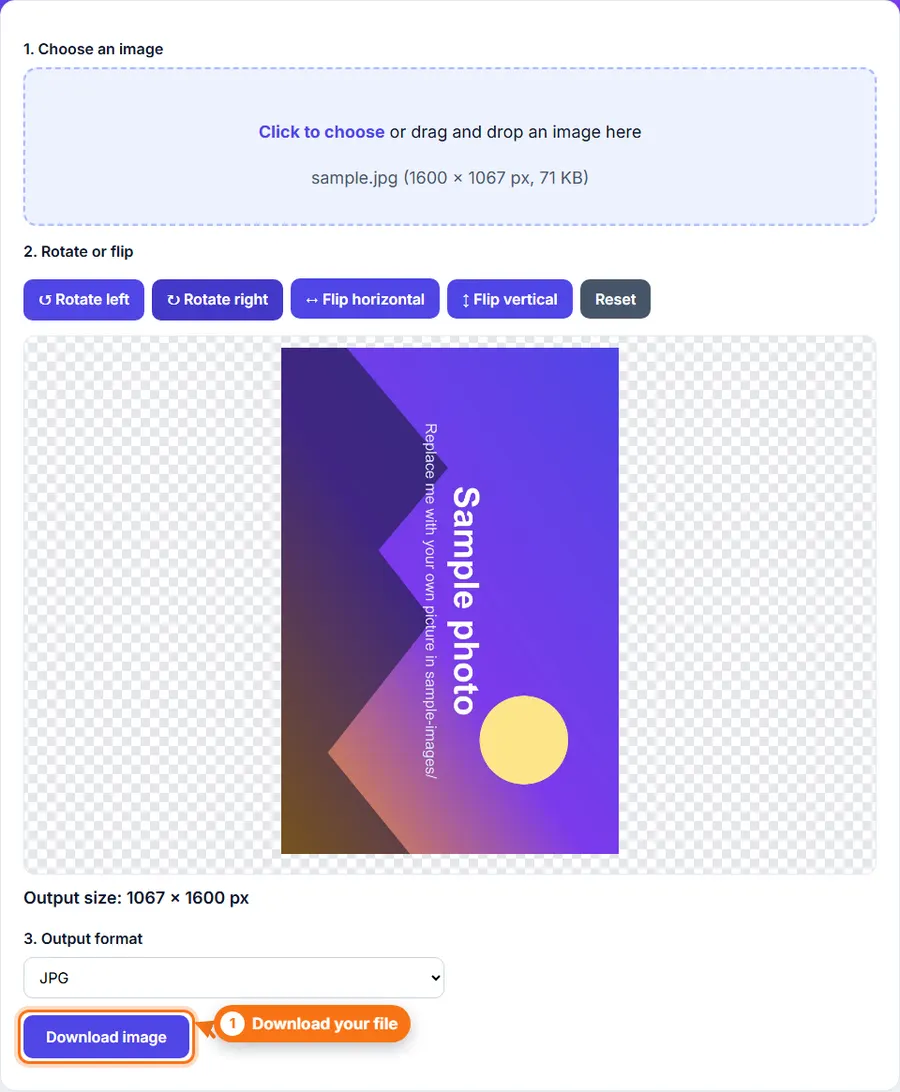
Step 2 The same photo turned 90 degrees to the right, ready to download
Common Uses
- Fix a photo that opened sideways.
- Straighten scans and pictures of documents.
- Mirror a selfie back to how it looked.
- Flip a graphic to face the other way.
- Correct photos taken with the phone held sideways.
- Prepare images for a design or presentation.
Tips
- Flip horizontal mirrors left and right. Flip vertical mirrors top and bottom.
- Made a mistake? Click Reset to return to the original.
- Choose PNG if you want to avoid extra compression.
Rotate or flip a photo Without Complicated Software
You do not always need a desktop photo editor just to rotate or flip a photo. FastestImageTools keeps it simple so you can make the change you need and get back to your work without unnecessary editing tools.
Frequently asked questions
Does rotating change the size of the photo?
A 90 or 270 degree turn swaps the width and height. Other changes keep the size.
Is the photo compressed again when I download it?
The file is saved again in the format you choose. JPG and WebP apply compression. PNG does not remove detail.
Can I undo a change?
Yes. Click Reset to go back to the original position.
What is the largest file I can use?
Up to 30 MB and about 60 megapixels.
Is my photo uploaded?
No. Everything runs in your browser.