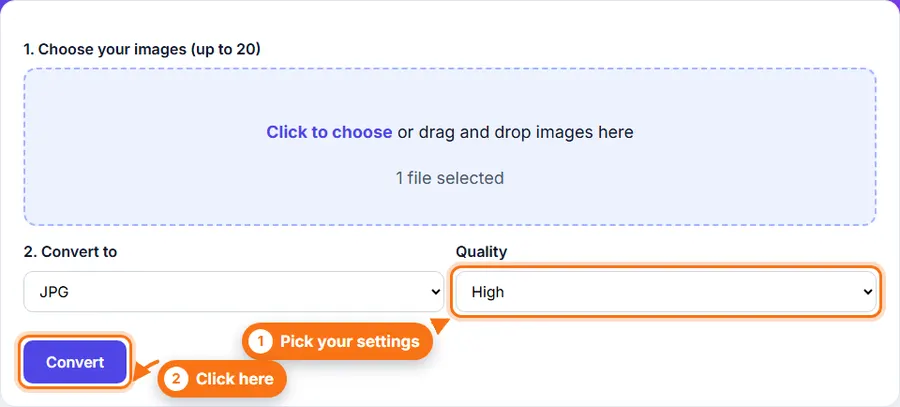
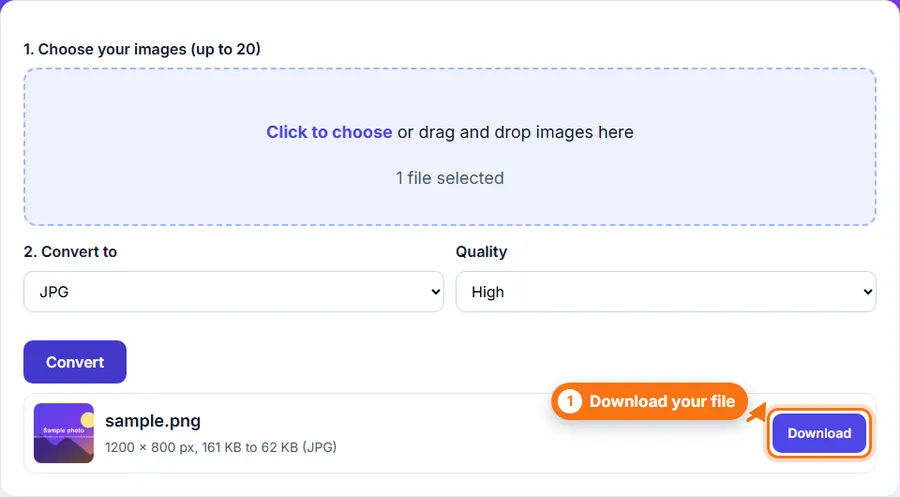
Click to choose or drag and drop images here
Why convert PNG to JPG?
PNG files keep every pixel exactly, so photos saved as PNG can be very large. JPG makes photo files much smaller, which helps when you upload them, email them or use them on a website.
Things to know
- JPG cannot store transparency, so transparent areas turn white.
- JPG is a lossy format. A lower quality setting makes a smaller file but loses some detail.
- For screenshots, logos or text, PNG often looks sharper. Check the result before you replace your original.
- Convert images in bulk between JPG, PNG, and WebP formats, with support for up to 20 images at once, using our Bulk Image Converter.